
Write
Three writing views—rich text, LaTeX, and PDF preview. Rich text and LaTeX stay in sync in real time.
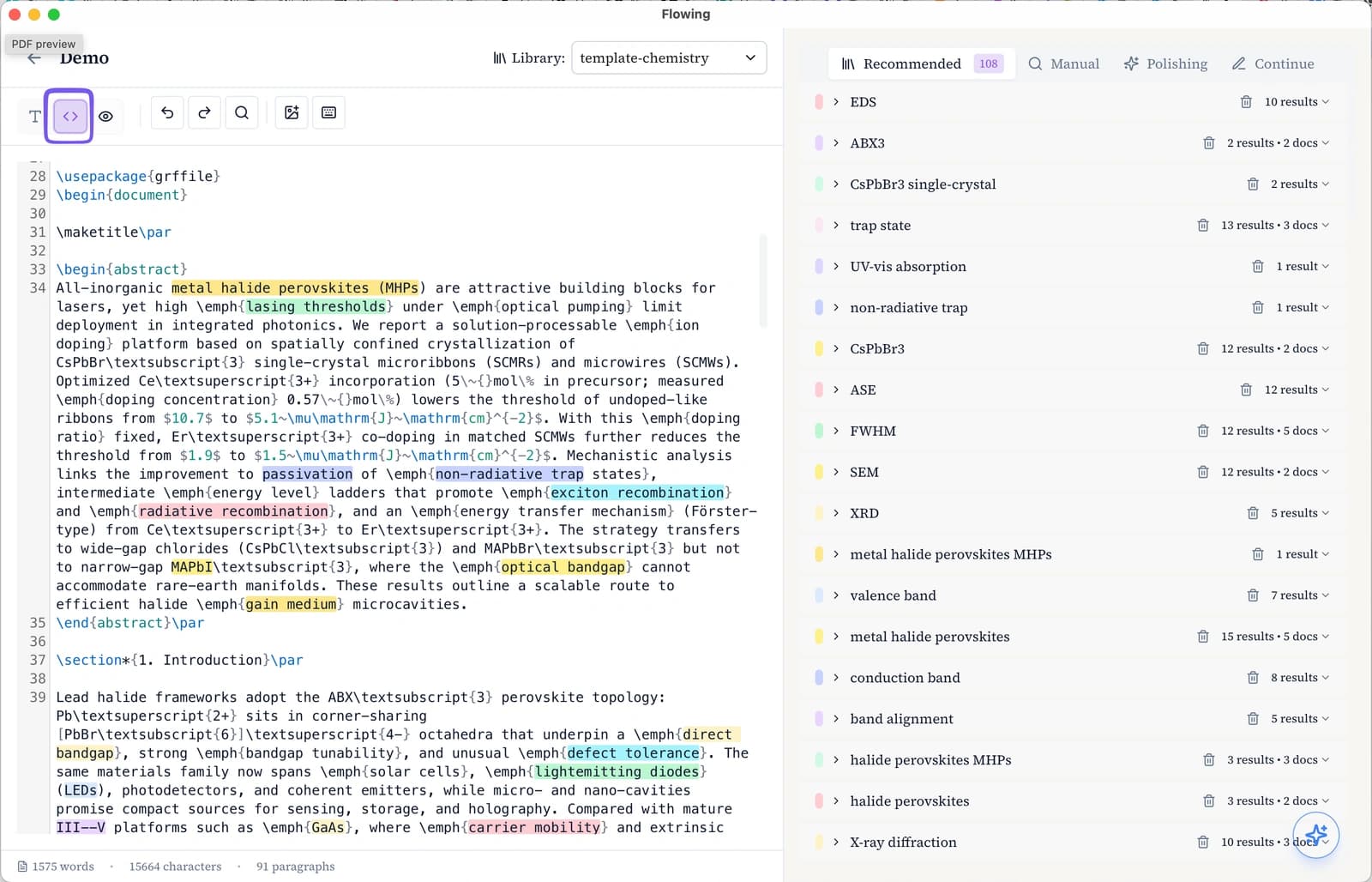
The writing pane has three modes: rich text, LaTeX, and PDF preview. Rich text and LaTeX edit the same document and stay in sync in real time—edits in one view update the other immediately.
Rich text mode
Rich text mode with in-draft keyword highlights and the Recommended panel.
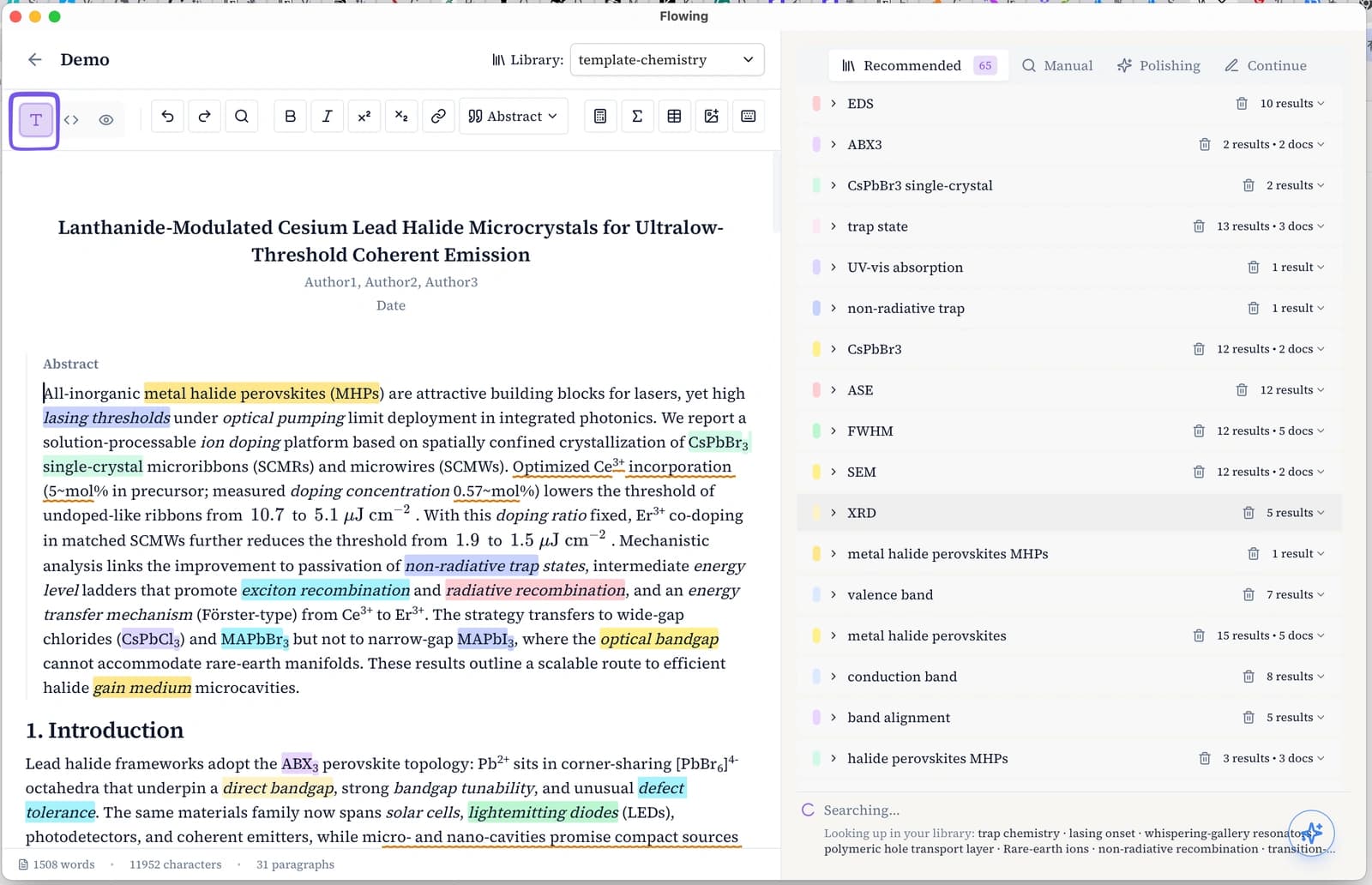
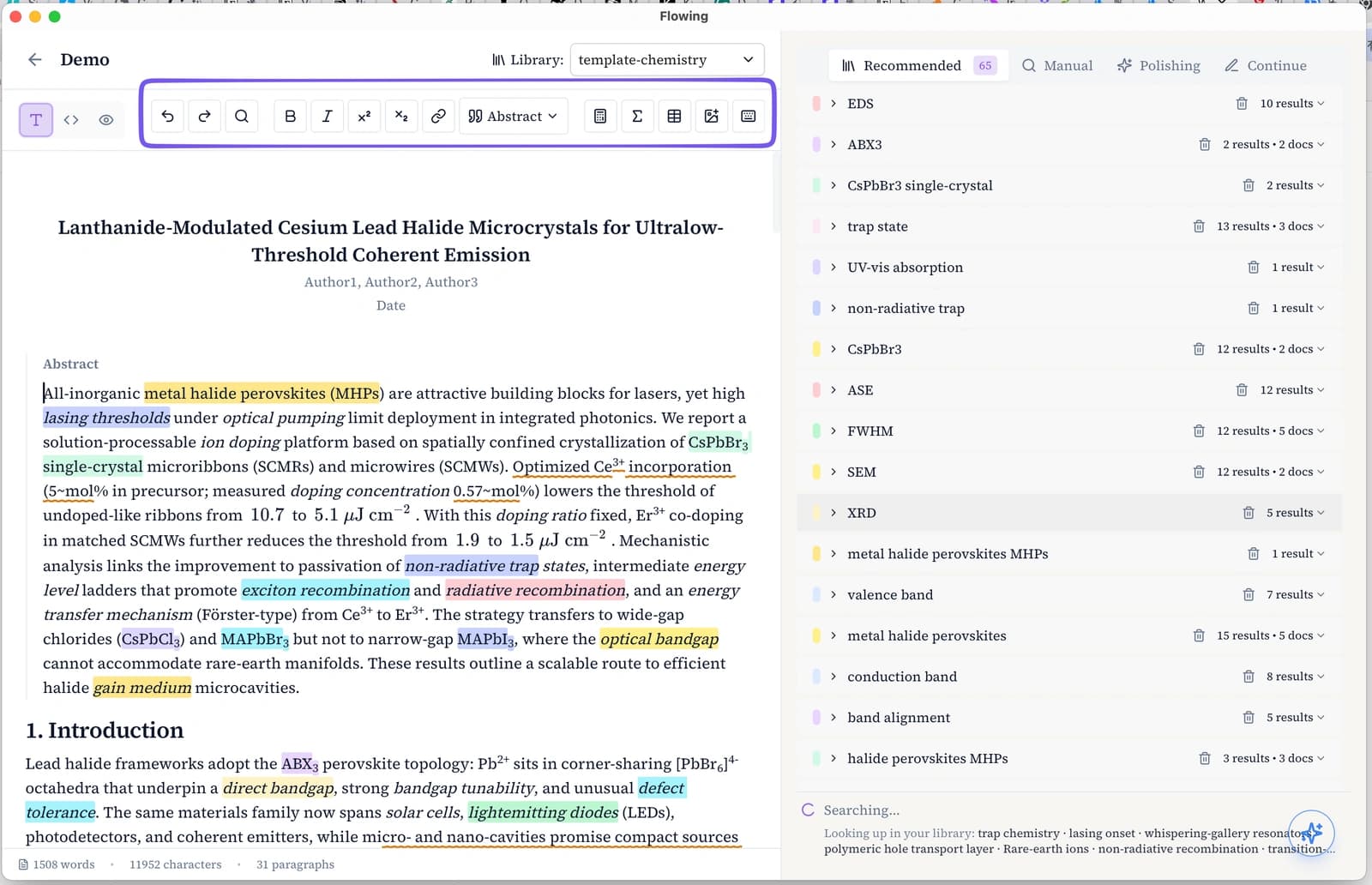
Use the toolbar for bold, italic, links, equations (Σ), tables, and structural blocks.
LaTeX mode
Edit the underlying .tex source when you need precise control over structure, macros, and layout. This is the same document as rich text—both views stay in sync in real time as you type.
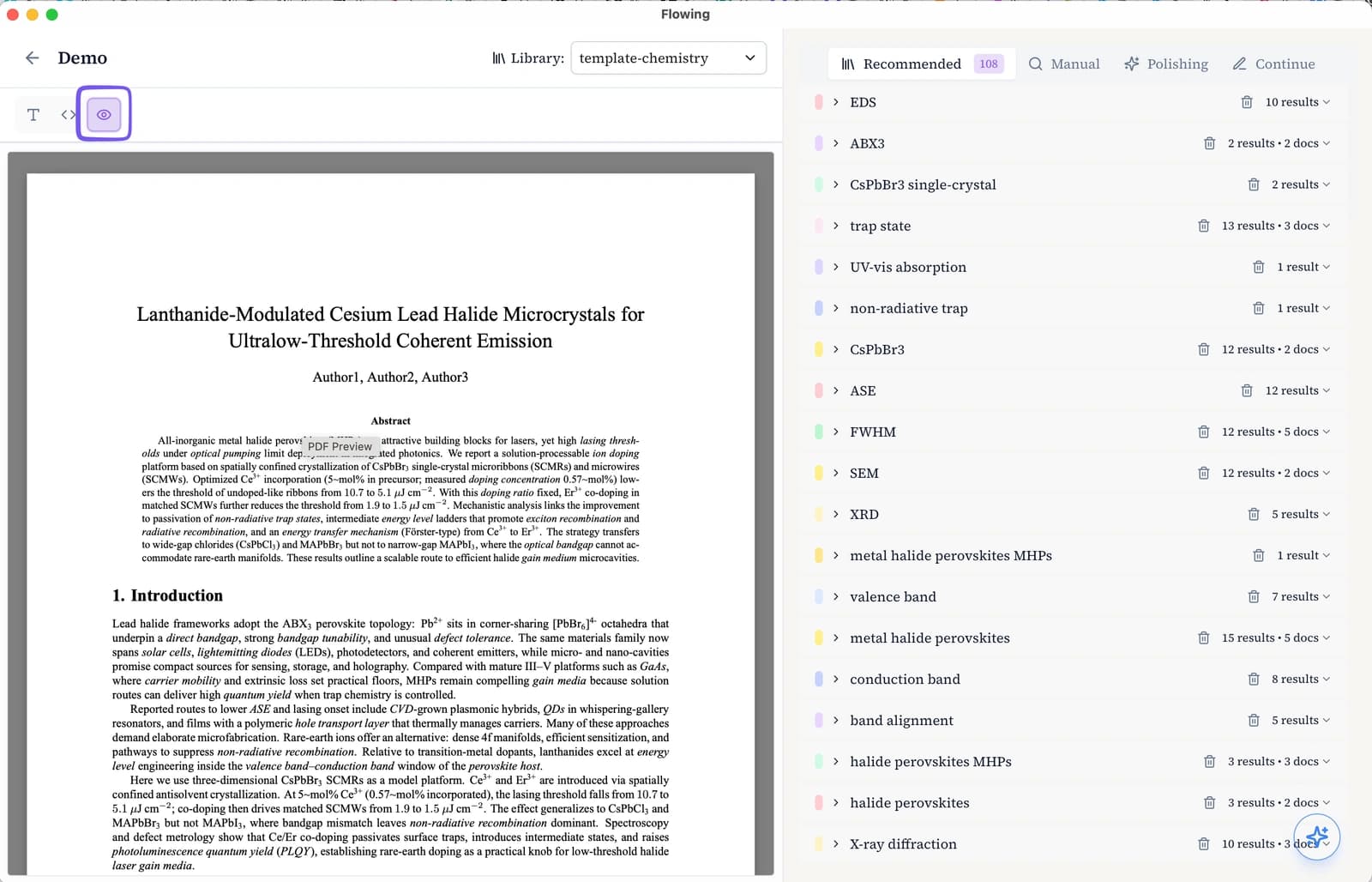
PDF preview
See the compiled PDF alongside your draft. Built-in Tectonic compiles your document—no TeX Live install required. The preview matches the exported PDF and updates shortly after you pause typing.
Import et export
Depuis la liste des documents, importez un manuscrit existant depuis Word (.docx) ou PDF, puis continuez en texte enrichi ou LaTeX. Exportez le brouillon en Word ou PDF pour le partager ou le soumettre.