
Use one plan on two computers
Create a pairing code on the primary computer and confirm it on the second. Both share one paid plan and token allowance.
One active paid plan can be used on up to two computers. The primary keeps billing control. The second computer needs its own device activation and cannot already have a separate paid plan.
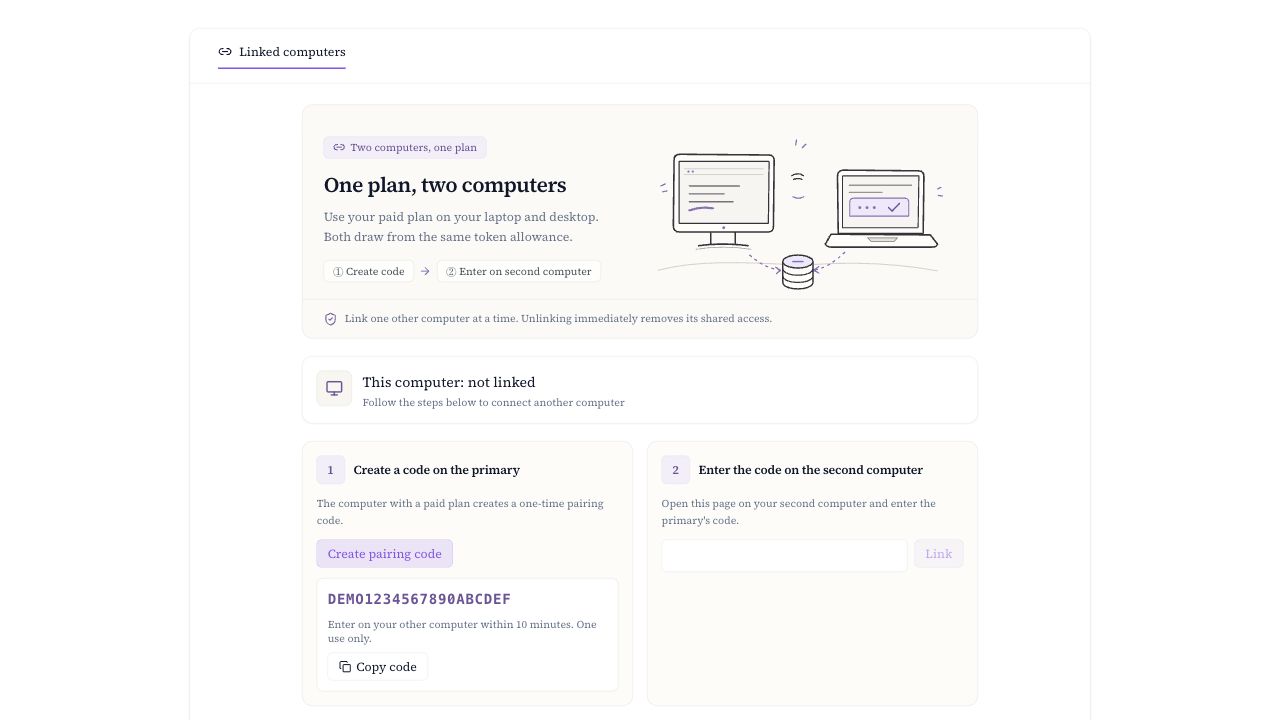
Create a code on the primary computer
Open Linked computers
On the computer with the paid plan, open Flowing and go to Settings → Linked computers.
Create and copy the code
Select Create pairing code. The code expires after 10 minutes and works only once.
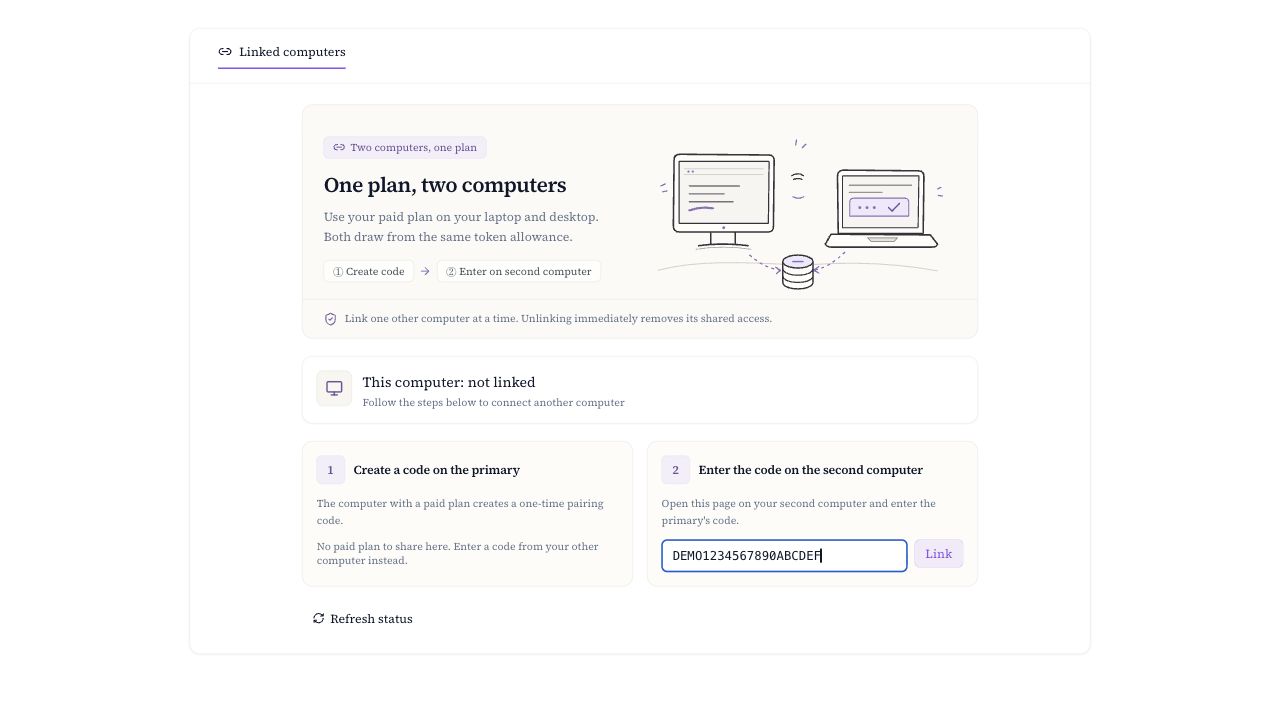
Enter it on the second computer
Enter the code
On the other computer, go to Settings → Linked computers, enter the code, and select Link.
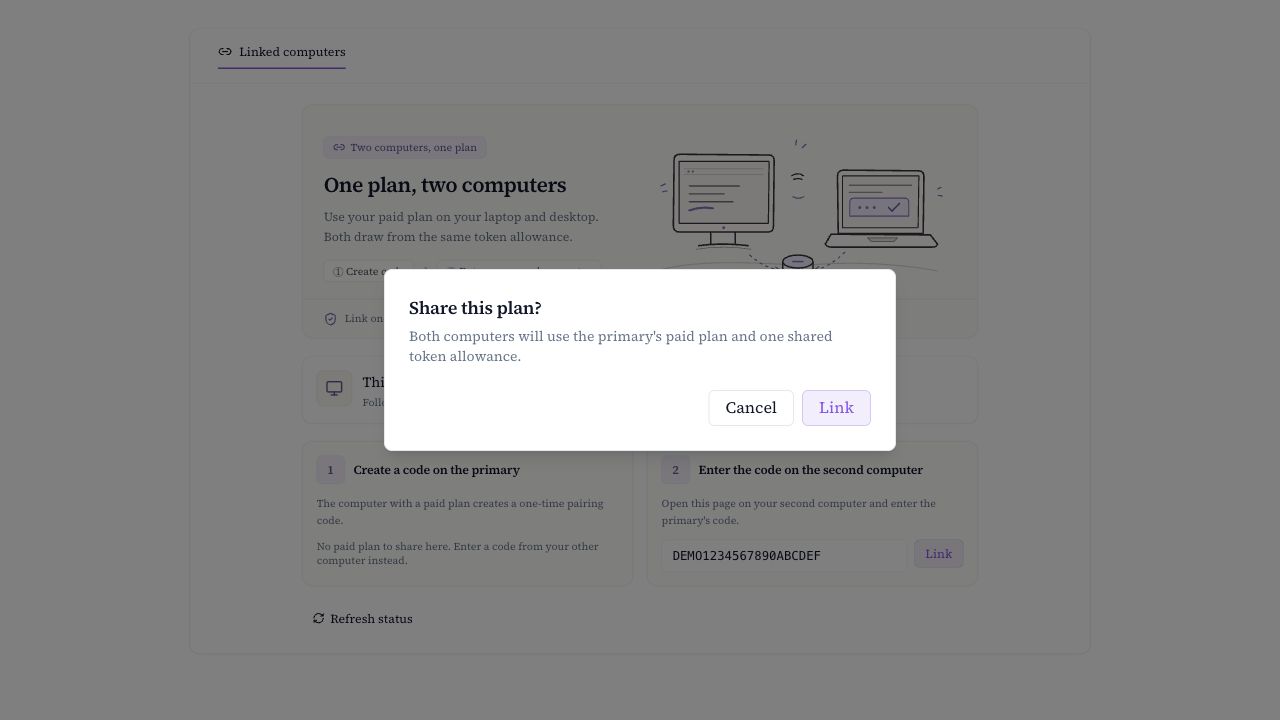
Confirm sharing
Read the shared plan notice and select Link. Both computers now use the same token pool.
Check status and unlink
Both computers can see their role and unlink from this page. After unlinking, the second computer immediately loses shared access and returns to its own entitlement; the app refreshes its usage display.