
Manual search
Search your library by keyword on demand—exact and phrase matching, free on every plan.
The Manual tab lets you search your library by keyword whenever you want—without using monthly tokens. Use it to pull passages on demand while writing or reviewing sources.
Open the Manual tab
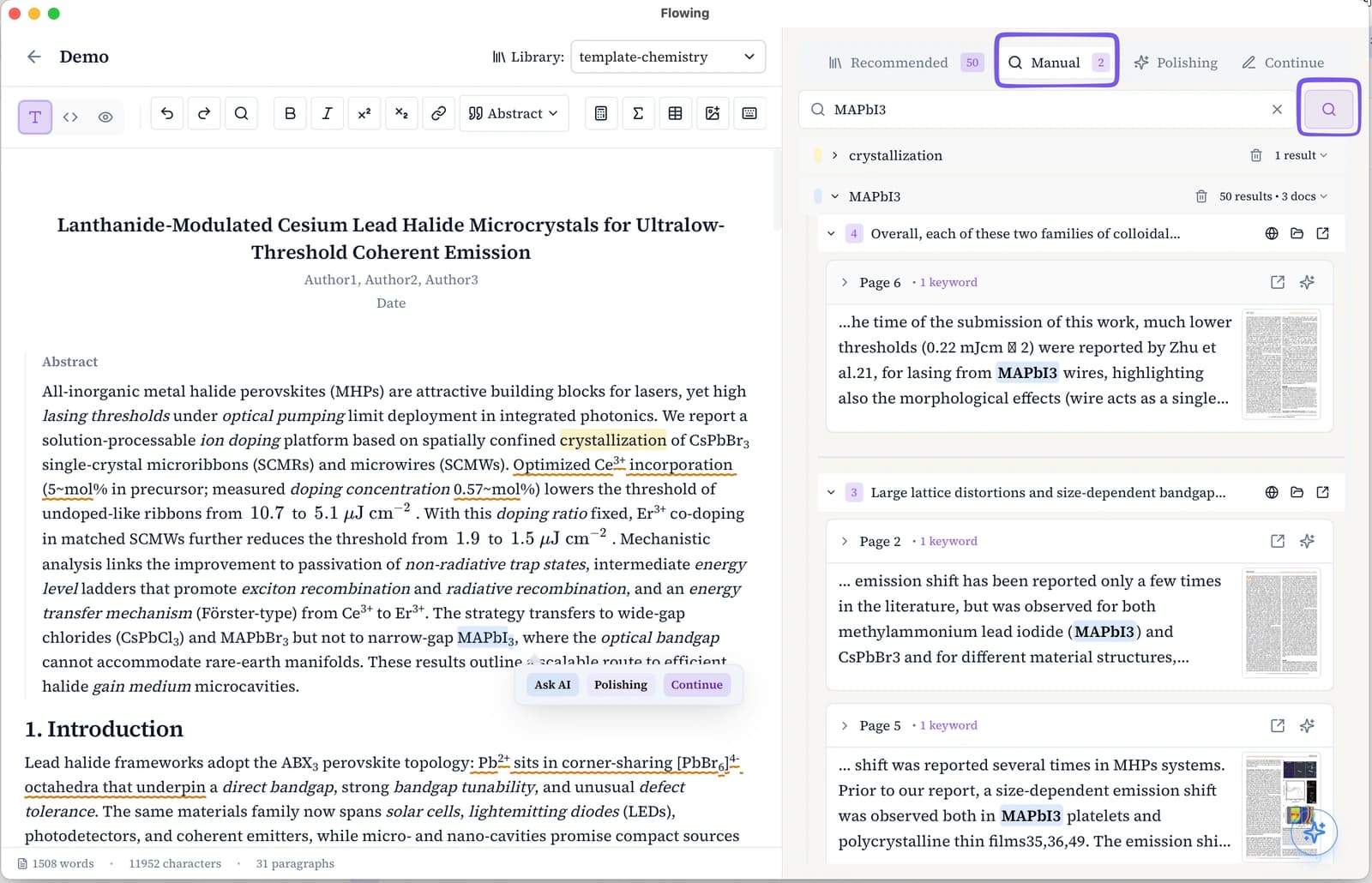
Go to the writing page
Open a document from Documents in the top navigation.
Select Manual
In the right panel, click the Manual tab (next to Recommended and Polishing).
Enter keywords
Type one or more keywords or a short phrase. Results appear as snippet cards from your library.
Search tips
Manual search uses keyword and phrase matching across your library—not semantic similarity. Multi-word queries match phrases in order; punctuation and spacing are normalized so common variants still hit.
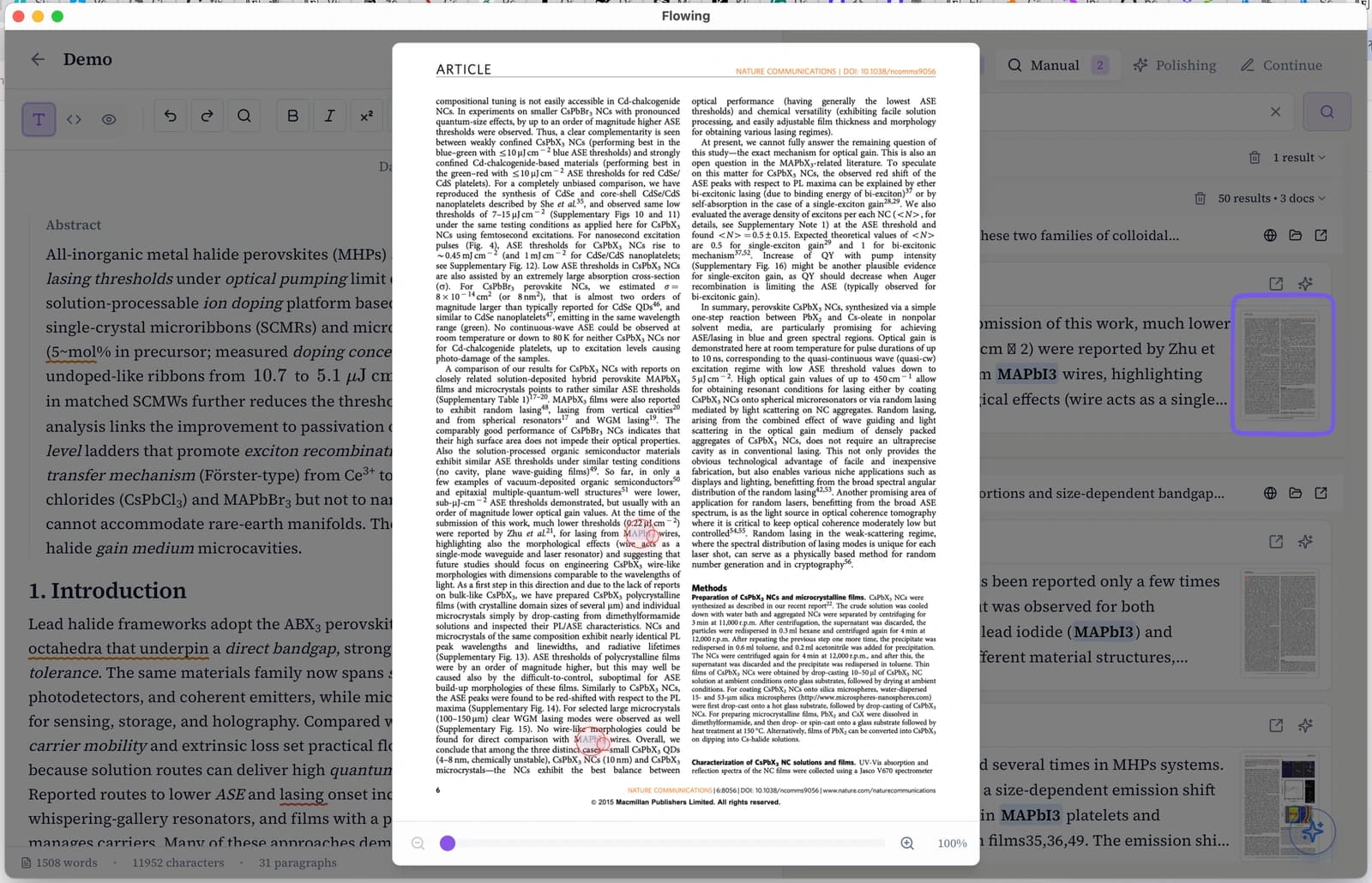
Preview and jump to source
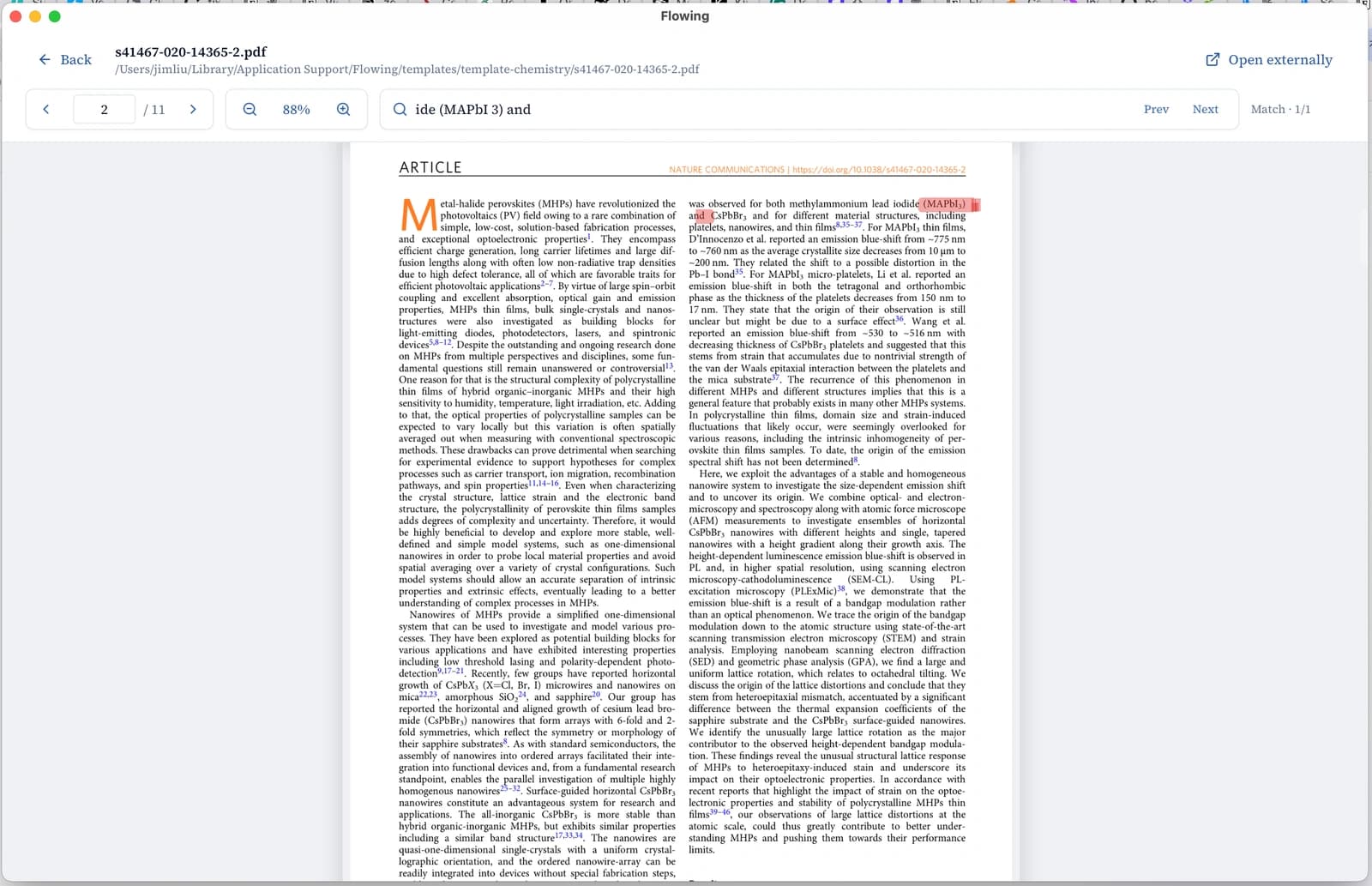
Each result card includes excerpt text and a page thumbnail. Hover the thumbnail for a full-page preview with the match highlighted—same as in Recall, but driven by your own search query.