
LIMITED-TIME OFFER
Save on every billing cycle
Limited spots, first come, first served. Discounts roll out in three stages: 30% off, then 20% off, then 10% off. They apply to new Go, Pro, and Pro+ monthly or annual subscriptions.
 01
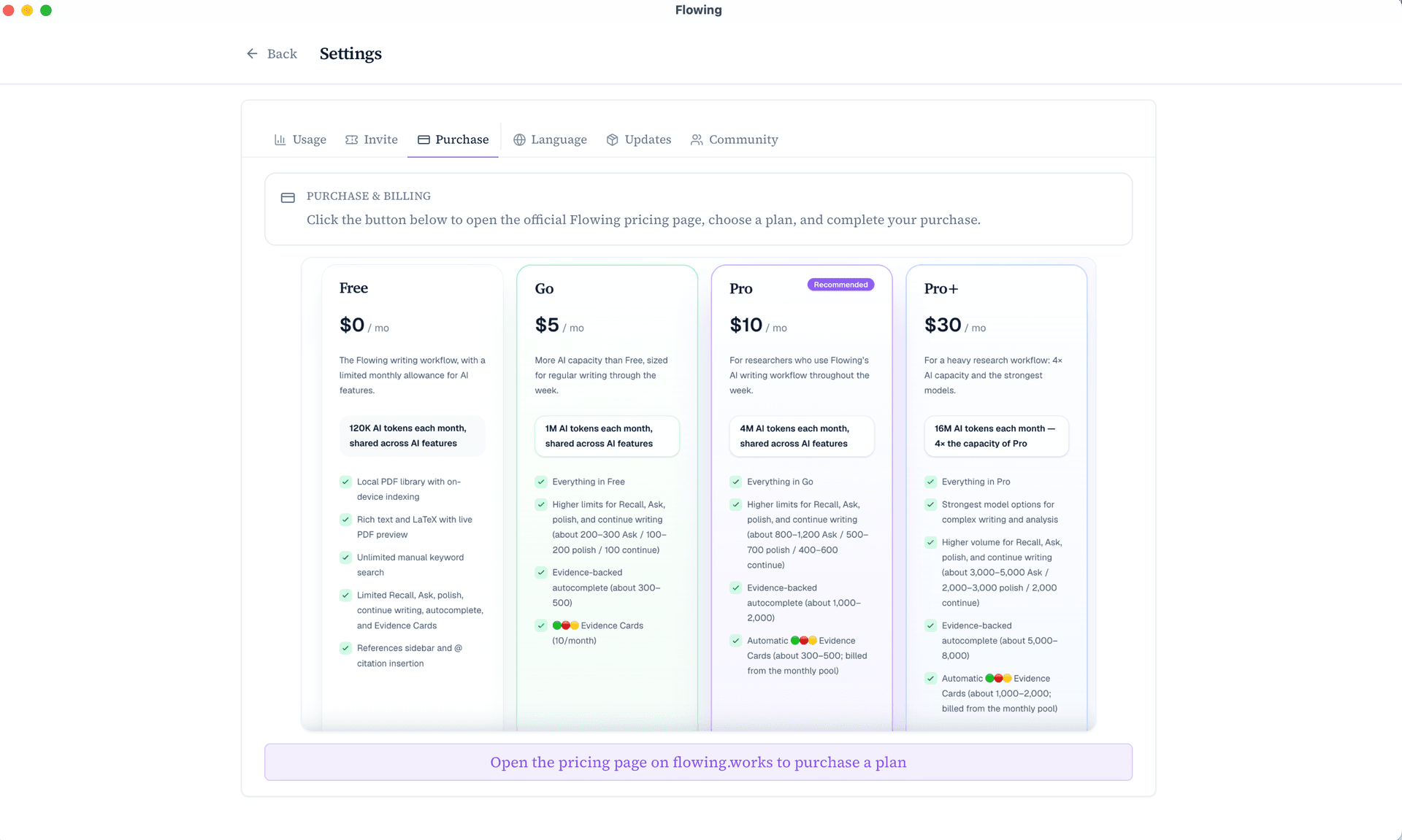
Open Purchase in Flowing
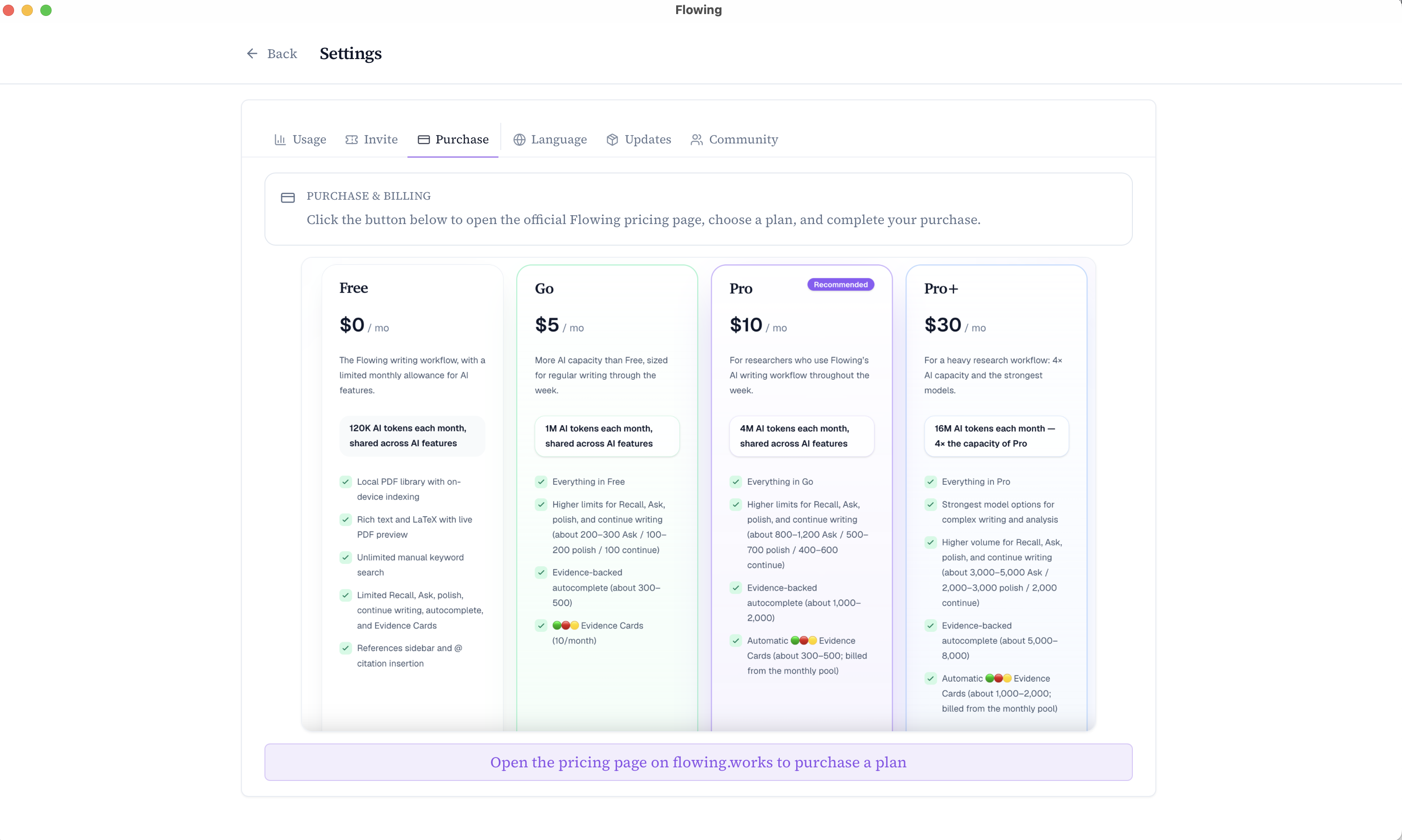
In the desktop app, open Settings → Purchase. Click the button at the bottom to open a pricing page linked to your device.
 02
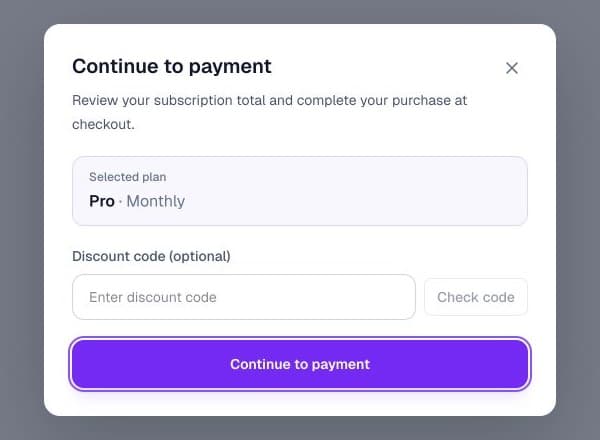
Choose a plan and enter the code
On that pricing page, choose a new Go, Pro, or Pro+ monthly or annual subscription. In the checkout prompt, enter the current code shown in Offers, click Check code, then continue to payment.
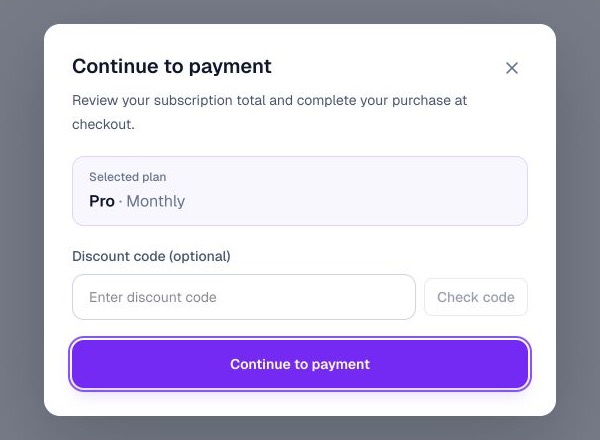
Enter the current code at checkout. Your discount is secured after successful payment, subject to eligibility and availability.
Explore plans